!--LINK-OPACITY-STARTS-->

Showing posts with label text effect. Show all posts

15 December 2010

Create a Distressed Vector Typographic Poster Design

0 comments

By : Chris Spooner

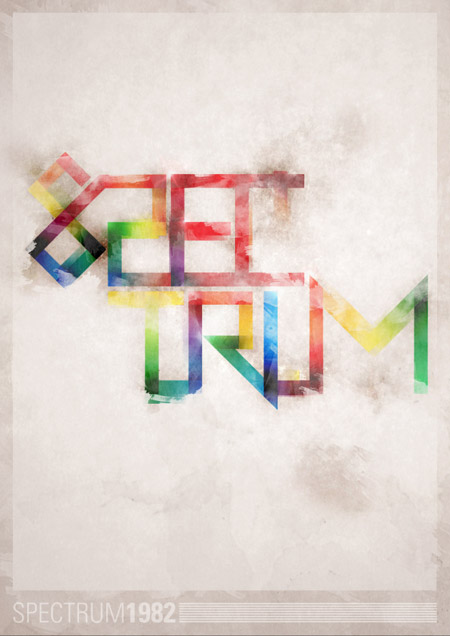
Follow this step by step walkthrough of my recent design process for the ‘Spectrum’ poster. Starting with custom made type in Illustrator, we’ll move our vector graphics into Photoshop for some serious distressing with Photoshop brushes, blending modes and more!

14 December 2010

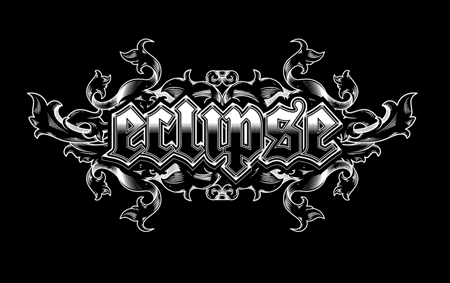
How To Create Detailed Gothic Linework Typography

0 comments
We’ll be customizing a black-letter font with various black and white elements and creating a range of tones with detailed line work to create a cool gothic style design that would be right at home as a logo for a heavy metal band or dark apparel brand.

10 August 2010

30 COOL 3D Text Effects

0 comments

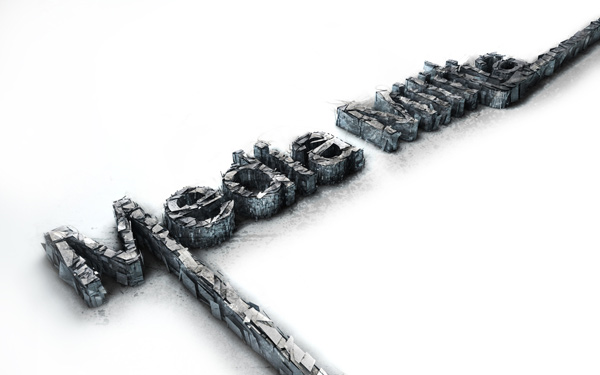
One of the coolest and most popular ways to use Photoshop is to create 3D text. Hence you see it everywhere – 3D Text Collections! Because there are soooo many, we picked some of our viewers’ favorites and put them together in a single reference!

02 August 2010

Cool Text Effect with the Puppet Warp Tool in Photoshop CS5

0 comments
 By: Fabio Sasso
This tutorial will only work with the CS5 version and I believe it won't take you too much time.

20 June 2010

Create an “Awesome” Wrinkled Sticker

0 comments
By: Antoine Hallé
 Burn and Dodge are very powerful tools that you can use in Photoshop to create a great number of things. In today’s quick tip tutorial we will demonstrate how to create a wrinkled sticker in Photoshop using these fantastic tools. Let’s get started!

27 January 2010

Beautiful Xmas Wallpaper in Cinema 4D and Photoshop

0 comments

By Fabio Sasso


01 December 2009

Create mile-high type art

0 comments


In this tutorial, Fabio Sasso shows you how to achieve that glossy, detailed fantasy look through careful compositing, and control of layers and blending modes. You’ll extrude type in Illustrator and then composite on textures and other details in Photoshop.

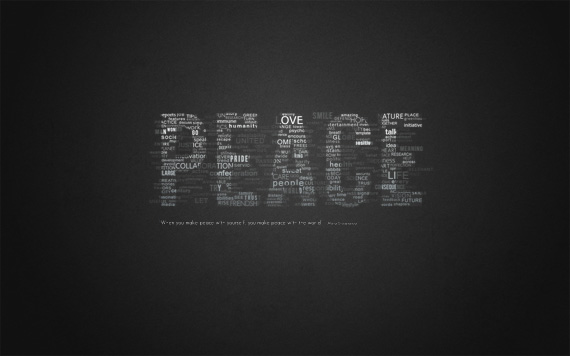
How To Create Great Typographic Wallpaper In Photoshop

0 comments


By Daniels Mekšs
 This tutorial will lead teach you how to create really interesting and unique typographic wallpaper in few easy steps


28 November 2009

Create Gloomy Text Effect by Utilising the Amazing Cloud Filter in Photoshop

0 comments


In this tutorial, I will show you the steps I took to create this gloomy-looking text effect by using the amazing cloud filter in Photoshop


25 September 2009

Create a Stunning Text on Wild Fire Effect

0 comments
by Johnson Koh

Fire text is one of the most classic technique that you can see in Photoshop tutorials.


21 September 2009

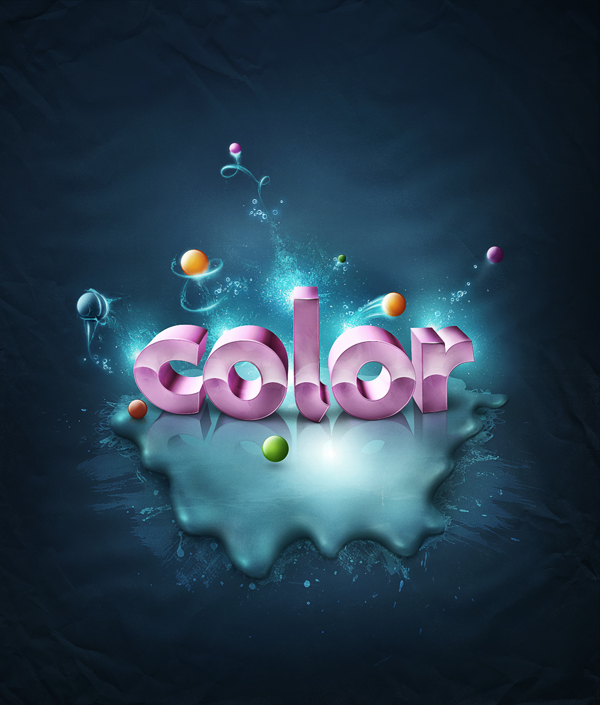
Add Fantastic Color to 3D Text – Part II

0 comments

by Wojciech Pijecki

This is the this last part of this two part tutorial on adding fantastic color to 3D text. In this tutorial, you will learn how to bring a simple text to life and place everything in fantastic, colored and glowing 3D space.


13 September 2009

Add Fantastic Color to 3D Text – Part I

0 comments

by Wojciech Pijecki

This is the first part of a two part series. Part two will be released tomorrow. In this piece you will learn how to bring a simple text to life and place everything in fantastic, colored and glowing 3D space. Some neat techniques covered here will allow you to bring your art to the next level. Don't miss it!


04 September 2009

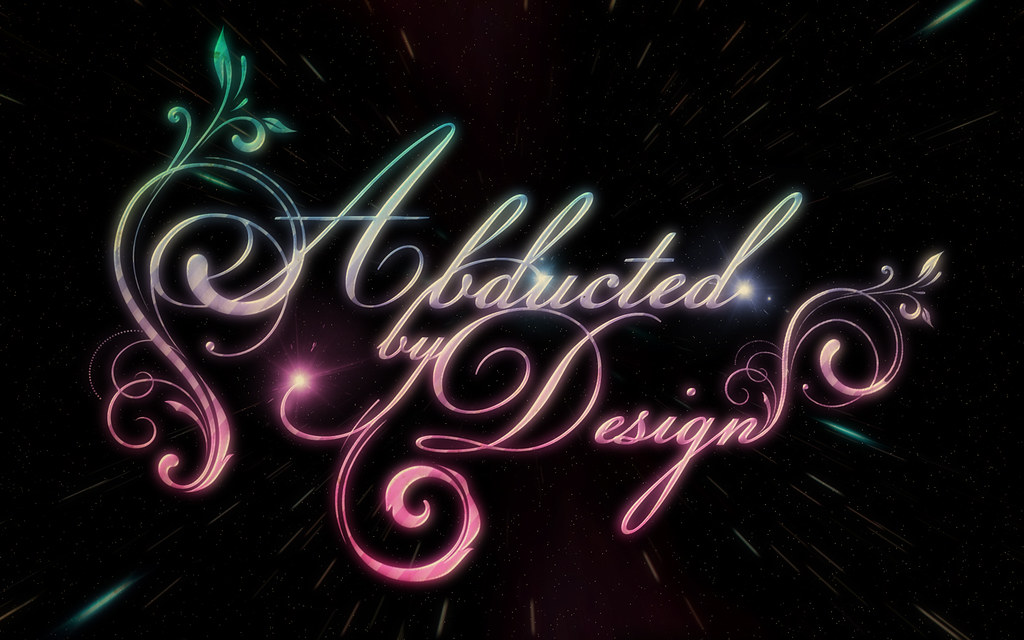
Shiny Calligraphy Text Effect in Photoshop

0 comments

by abduzeedo


19 August 2009

3D Text Shatter Effect

0 comments


By Arno Van Waeyenberg


15 August 2009

Create Smoke Effect on Grungy Wallpaper

0 comments
by Arno Van Waeyenberg
This tutorial is written by a young Belgium designer, Arno Van Waeyenberg. We are going to learn how to create simple smoke effect against a grungy background by using the Smudge and Warp tools.

12 August 2009

Creating Very Cool Folded Typo

0 comments

03 August 2009

80’s Style Design Using Photoshop

0 comments
The 80’s have always had an iconic impact on Pop Culture. I have been seeing a lot of 80’s inspired designs on the internet, but never found a tutorial. So, here’s a simple tutorial inspired by the 80’s.

14 July 2009

How to make a Typographic, Retro, Space Face

0 comments
by Vasjen Katro

In this tutorial, I will show you how to make a typographic face by using simple techniques. Using the Brush Tool and experimenting with light, you will get this amazing Typographic Space Face that looks like it's created by letters and an amazing explosion.


24 June 2009

Tutorial - Make a ‘lovely’ wallpaper in 12 steps.

0 comments
The render was made in a 3d application, but this tutorial will stick to the parts that were done in photoshop. This tutorial will be done in the ‘underlaying-layers-method’, which means that the tutorial will start with the bottom layer of the document as the first step and will end with the top layer. So let’s start!

19 June 2009

How To Create a Realistic Water Text Effect

0 comments
by Twinster
In this tutorial we will be creating a realistic water text effect that is sure to catch someones eyes. This tutorial requires some basic knowledge of Photoshop and how to work in it’s environment. For our the text itself we will be using a specific font and will be downloading it later so some skills on how to install font’s will be necessary as well.


Blog Archive


Copyright 2009 All Rights Reserved Design by ThePharma-Shopist